- Under Client Management, Saved User Audiences > All Audience Targets.
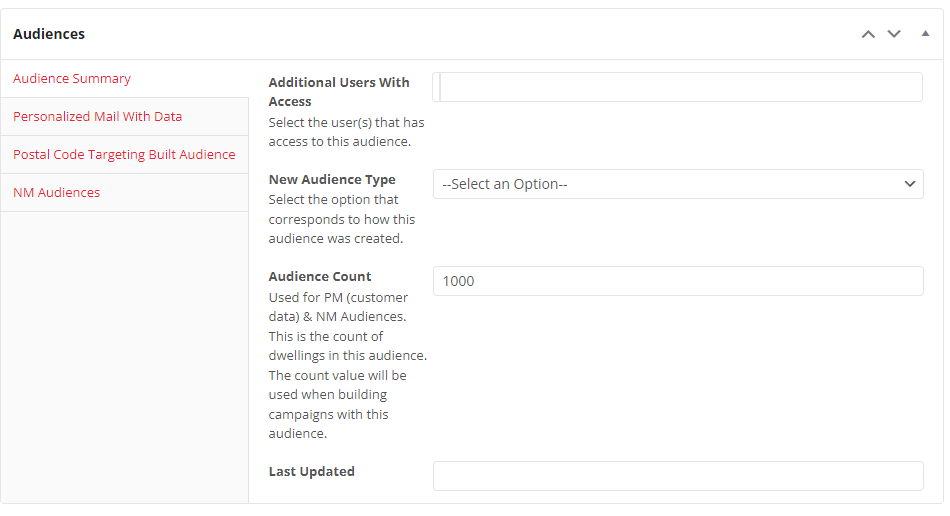
- In the Audience Summary tab, edit the desired fields, and always edit the Last Updated Field.
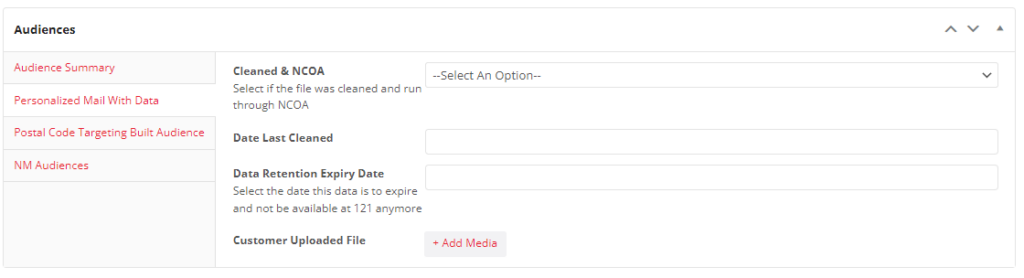
4. Go to the Personalized Mail With Data tab, and edit the field/s as necessary. (Cleaned & NCOA, Date Last Cleaned and * Retention Expiry Date fields)
5. Click update and you’re all set.