
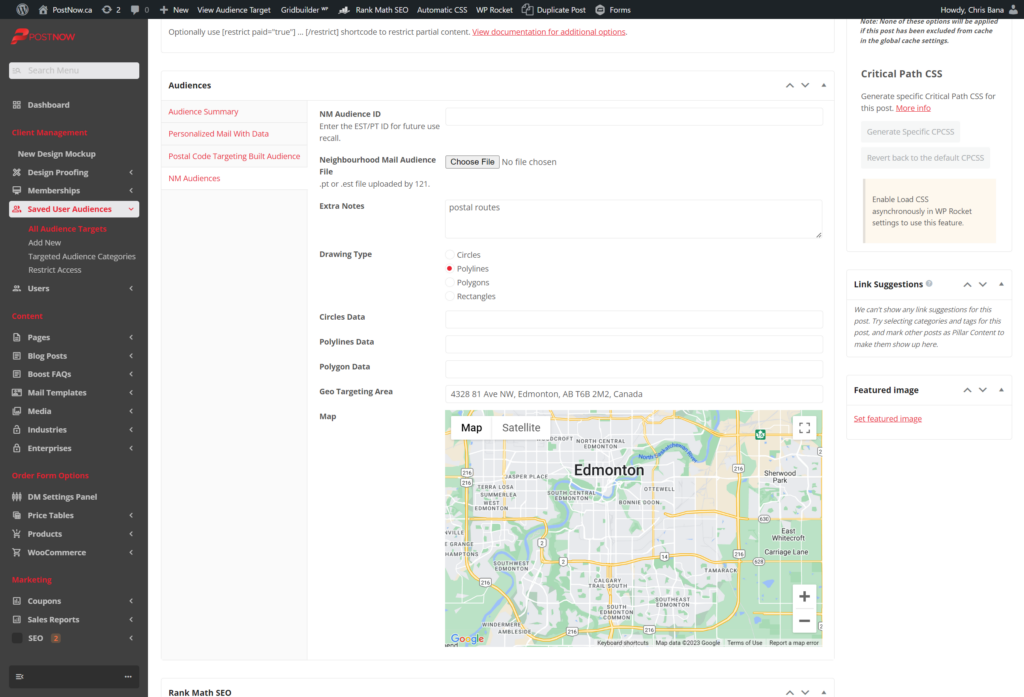
- Under Client Management, Saved User Audiences > All Audience Targets.
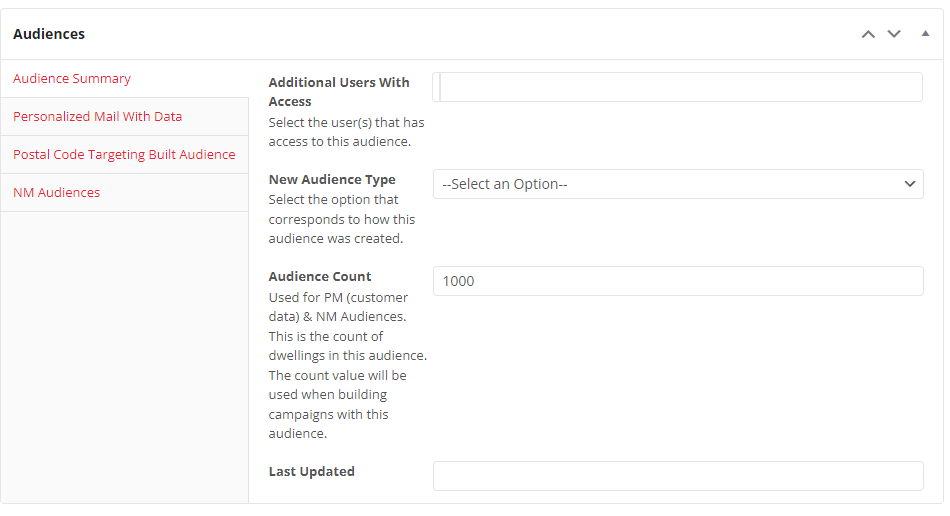
- In the Audience Summary tab, edit the desired fields, and always edit the Last Updated Field.
4. Go to the NM Audiences tab, and edit the field/s as necessary.
5. Click update and you’re all set.